Google vs Microsoft: Productivity Apps in 2025
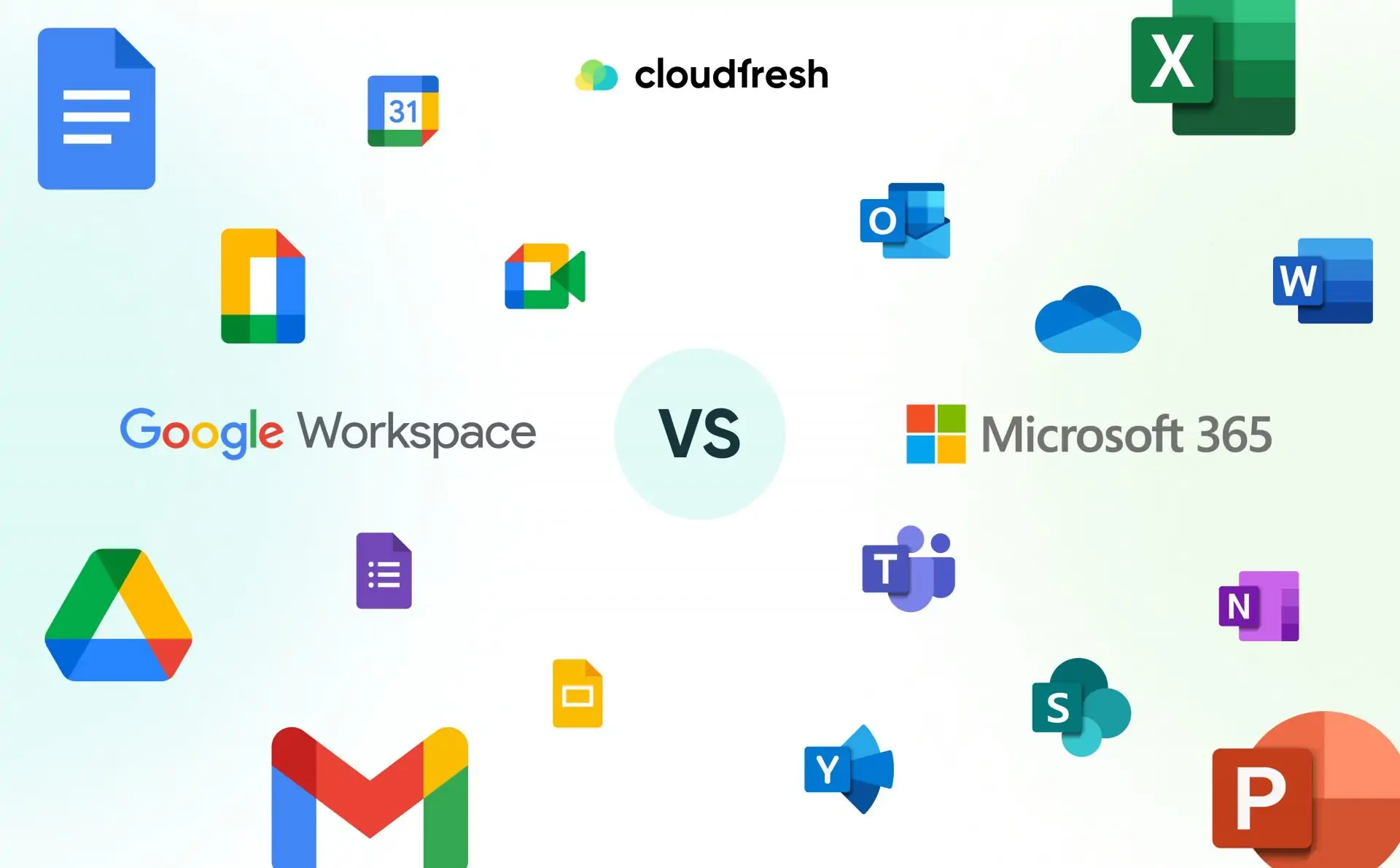
Google vs Microsoft: Productivity Apps in 2025 📝💻
In 2025, productivity apps are the backbone of remote work, business efficiency, and personal organization. Google Workspace and Microsoft 365 dominate this space, offering a wide range of tools for collaboration, communication, and task management. This ultimate comparison guide will help you determine which suite is best suited for your needs—whether you’re a student, professional, or enterprise user. 🌐✨
1. Core Applications Overview 📊📌
Google Workspace:
- Gmail, Docs, Sheets, Slides, Calendar, Meet
- Seamless cloud integration with Google Drive
- Real-time collaboration with simple sharing options
Microsoft 365:
- Outlook, Word, Excel, PowerPoint, Teams, OneNote
- Integration with OneDrive and SharePoint
- Rich desktop and cloud app ecosystem
💡 Tip: If you prioritize lightweight, browser-based apps with instant sharing, Google Workspace is ideal. Microsoft 365 excels in feature-rich desktop applications.
2. Collaboration & Communication 🗣️🤝
Google Workspace:
- Google Meet for video conferencing with AI-powered captions
- Collaborative editing in Docs, Sheets, Slides in real-time
- Easy link sharing and permission control
Microsoft 365:
- Microsoft Teams for chat, video, and workflow management
- Co-authoring in Word, Excel, PowerPoint
- Deep integration with Outlook and calendar
💡 Tip: For organizations heavily relying on chat and workflow integration, Microsoft Teams is unbeatable. Google Workspace provides simplicity and speed for collaborative projects.
3. Cloud Storage & File Management ☁️📁
Google Workspace:
- Google Drive offers 15 GB free, expandable via subscriptions
- File versioning and backup
- Cross-platform accessibility
Microsoft 365:
- OneDrive offers 5 GB free, scalable storage plans
- Advanced file sharing with permission tiers
- Seamless integration with Windows OS
💡 Tip: Google Drive is excellent for teams seeking intuitive file storage. OneDrive is preferred by Windows-centric environments for seamless OS integration.
4. Mobile & Remote Access 📱🌍
Google Workspace:
- Fully functional mobile apps for Docs, Sheets, Slides, Gmail
- Offline editing capability
- Lightweight, fast interface
Microsoft 365:
- Robust mobile apps, especially Outlook and Teams
- Desktop-to-mobile continuity via OneDrive
- Strong offline mode with desktop apps
💡 Tip: Google Workspace shines in mobile-first environments. Microsoft 365 provides a familiar experience across devices, especially for Windows users.
5. AI Features & Smart Assistance 🤖🧠
Google Workspace:
- AI-powered Smart Compose in Gmail
- Suggestive text, data analysis in Sheets
- AI-driven scheduling in Calendar
Microsoft 365:
- Copilot in Word, Excel, and PowerPoint for content generation
- AI insights and predictive data analysis
- Task automation with Power Automate
💡 Tip: Microsoft 365 offers deeper AI integration for advanced business use, while Google Workspace provides practical AI features for daily productivity.
6. Security & Privacy 🔒🛡️
Google Workspace:
- Two-factor authentication (2FA)
- Advanced phishing and malware protection
- Admin controls for organizations
Microsoft 365:
- Multi-layered enterprise-grade security
- Conditional access and compliance features
- End-to-end encryption for Teams meetings
💡 Tip: For businesses handling sensitive data, Microsoft 365 provides extensive security tools. Google Workspace balances simplicity and safety for smaller teams.
7. Pricing & Subscription Models 💰📈
Google Workspace:
- Business Starter: $6/user/month
- Business Standard: $12/user/month
- Business Plus: $18/user/month
Microsoft 365:
- Microsoft 365 Business Basic: $6/user/month
- Microsoft 365 Business Standard: $12.50/user/month
- Microsoft 365 Business Premium: $22/user/month
💡 Tip: Both suites offer competitive pricing. Google Workspace is simpler for small businesses, while Microsoft 365 scales effectively for enterprises.
8. Integration & Ecosystem 🌐🔗
Google Workspace:
- Integrates well with third-party apps via Google Marketplace
- Works across Windows, macOS, Linux, Android, iOS
- Lightweight API options for developers
Microsoft 365:
- Native integration with Windows OS, Teams, Outlook, SharePoint
- Rich third-party integrations through Microsoft AppSource
- Supports enterprise-grade workflows
💡 Tip: Microsoft 365 is better for enterprise environments requiring deep integration; Google Workspace is perfect for flexible, web-based workflows.
9. User Experience & Interface 🎨🖱️
Google Workspace:
- Minimalist, easy-to-navigate design
- Clean interface across all apps
- Fast loading and collaboration-friendly
Microsoft 365:
- Feature-rich interface, slightly steeper learning curve
- Ribbon UI allows quick access to tools
- Strong desktop support with advanced formatting
💡 Tip: Beginners may find Google Workspace more intuitive, while advanced users benefit from Microsoft 365’s powerful desktop tools.
10. Final Verdict: Which Productivity Suite Wins? 🏆✨
Choose Google Workspace if:
- You value simplicity and ease of use
- You need cloud-first, mobile-friendly tools
- Collaboration speed matters more than advanced features
Choose Microsoft 365 if:
- You need rich desktop applications
- Enterprise-level security and compliance are priorities
- AI-powered productivity and workflow automation are key
In 2025, both Google Workspace and Microsoft 365 are excellent productivity suites. Your choice should depend on your workflow, collaboration needs, device ecosystem, and business scale. 🖥️📱



Post Comment